Free Background Remover AI
Remove image backgrounds online instantly and for free with Removely.
Our advanced background remover AI operates 100% locally in your browser for absolute privacy and high-precision transparent PNG exports.
Drop image to start
Or try one of these examples
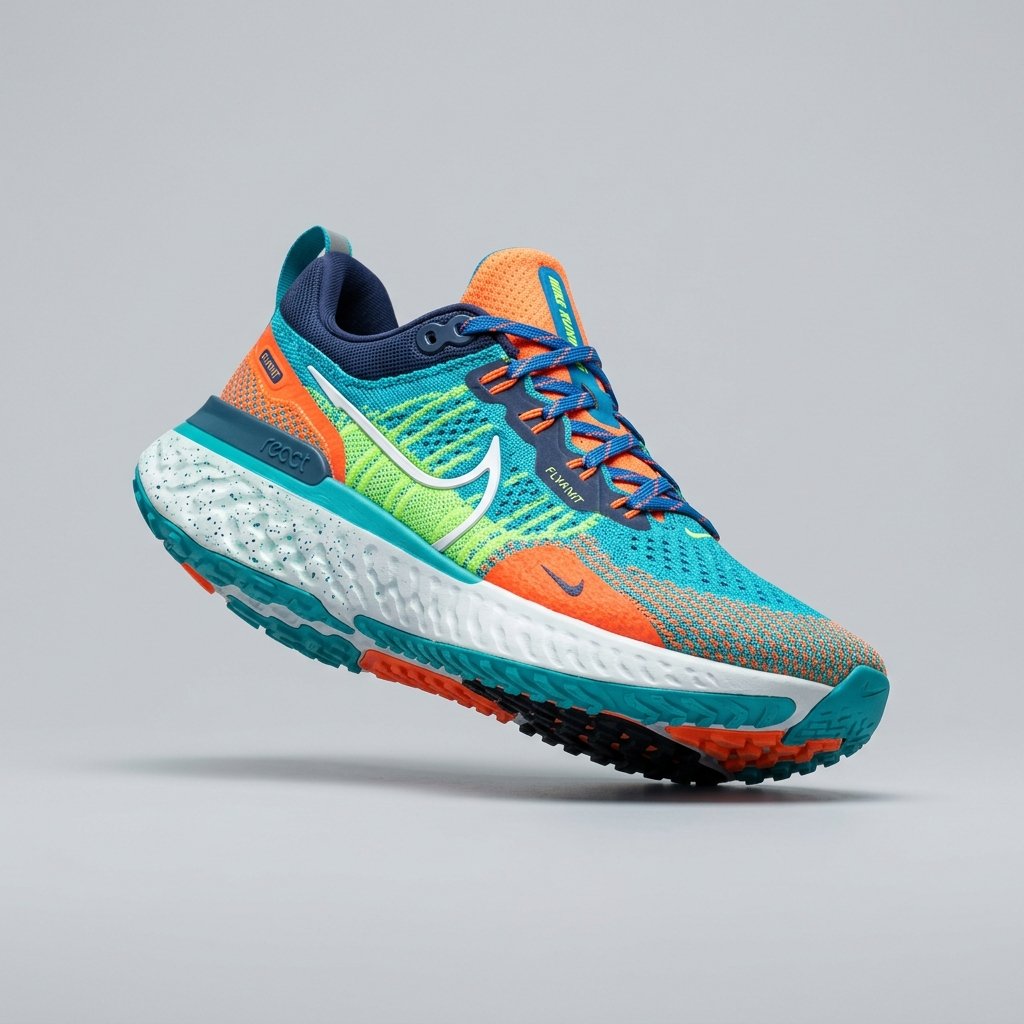
E-commerce Shoe
Product cutout

Portrait Model
Soft hair detail

Coffee Cup
Clean geometry
Workflow
Select file
Drag and drop your image directly. Supports PNG, JPG, and WebP.
AI execution
The neural network analyzes and processes the image locally in your browser memory.
Export result
Feather borders, swap backgrounds with solid colors or gradients, and download HD PNGs.
Features
Absolute Privacy
All segmentation computations run locally on your device. Your graphics are never sent over the internet or uploaded to remote cloud servers.
High-Speed Local AI
Powered by the optimized BRIA RMBG 1.4 engine, running completely on your device's GPU or CPU for instantaneous, high-fidelity results.
Custom Backdrops
Swap transparency with solid studio color fills, customize linear gradients, adjust gradient angles, or upload a custom scenery photograph.
Lossless Exports
Unlike cloud background removers that lock high-resolution cutouts behind subscriptions, our local processor lets you export HD PNGs for free.
Optimized for Your Creative Workflow
E-Commerce Product Photos
Instantly remove backgrounds from product photos to create clean white backgrounds or transparent backgrounds for Amazon, Shopify, eBay, and Etsy listings.
Social Media Profile Pics
Crop profile headshots to make transparent backgrounds, then add sleek linear gradients, cyberpunk neon glows, or sticker contour borders in seconds.
Graphic Design Assets
Export high-resolution transparent PNG cutouts of people, animals, and objects. Easily import them into Figma, Canva, or Photoshop for marketing ads.
The Masterclass in AI Background Removal & Image Segmentation
Explore the technical mechanics of computer vision, professional studio photography principles for crisp edges, marketplace compliance rules, and why client-side WebGPU computing is redefining digital creative workflows.
1. From Manual Pen Tool Rotoscoping to Dichotomous Neural Segmentation
For over a quarter of a century, isolating a subject from its photographic background was among the most grueling, labor-intensive tasks in digital graphics. Professional graphic designers spent hours zoomed in at 800% in desktop photo suites, clicking thousands of Bézier anchor points with the Pen Tool or attempting to clean edge fringes with channel calculation masks. Even then, organic elements like wispy flyaway hairs, furry pet silhouettes, and translucent glassware routinely defeated conventional vector masking, leaving behind harsh, unnatural edges.
The breakthrough arrived with Dichotomous Image Segmentation (DIS). Instead of merely drawing a coarse bounding box around a generic object category (like legacy semantic segmentation engines), modern architectures like BRIA RMBG 1.4 evaluate structural contrast, micro-textures, and high-frequency boundaries simultaneously. The model calculates an 8-bit continuous alpha matte containing 256 distinct gradations of transparency per pixel. This ensures that delicate baby hairs, sheer fabrics, and optical glass refractions transition softly into whatever new background you apply.
2. Five Golden Photography Rules for Studio-Grade 1-Click Cutouts
Even the most sophisticated neural network relies on the optical data provided by your camera. By applying five foundational studio principles before you press the shutter, you can ensure your cutouts are razor-sharp with zero boundary artifacts:
Position a diffused light source behind your subject angled forward. This illuminates a crisp 1-pixel edge highlight along the outer perimeter, giving the AI an unmistakable boundary to isolate.
Never position your subject directly against a wall. Keep at least 4 to 6 feet of distance between the subject and the backdrop to prevent color spill and muddy ground shadows.
Avoid shooting product cutouts wide open at f/1.8. A shallow depth of field causes rear edges to blur into the background, destroying clean segmentation. Shoot at f/8 for edge-to-edge optical sharpness.
Sensor noise and high-ISO grain corrupt edge gradients. Mount your camera on a steady tripod and illuminate sufficiently so you can shoot at your sensor's cleanest base ISO.
3. Multi-Channel E-Commerce Marketplace Compliance Matrix
Online retail conversion studies indicate that product listings with compliant, clean hero photos achieve up to 38% higher click-through and purchase conversion rates. Each major global marketplace enforces distinct background rules for primary search images:
| Marketplace | Mandatory Background | Frame Fill Ratio | Allowed Graphics | Recommended Export |
|---|---|---|---|---|
| Amazon FBA | Pure White: RGB (255, 255, 255) | At least 85% of total frame | Product only (No text, props, badges) | 2048 x 2048 px JPEG / PNG |
| Walmart Marketplace | Seamless Pure White (#FFFFFF) | 80% or greater | No watermarks or borders | 2000 x 2000 px High-Res |
| Google Shopping Feed | White or Light Grey | 75% - 90% | No promotional sales copy | 1500 x 1500 px or higher |
| Shopify DTC Stores | Transparent PNG or Brand Solid | Consistent collection grid | Flexible branding supported | Lossless WebP / PNG |
4. The Technical Architecture: Why In-Browser WebGPU AI is Superior
Most conventional background remover web apps operate on a legacy cloud server model. Every time you upload an image, your sensitive file travels over residential broadband to remote GPU clusters (such as AWS EC2 or Google Cloud). This creates four severe liabilities: significant network latency, recurring server hosting bills that force companies to charge expensive credit fees, data security risks when private files reside on third-party disks, and substantial environmental carbon emissions from continuous data center cooling.
Removely.in was built on an entirely modern foundation: client-side WebGPU compute. When you access our application, the compact neural model weights (43MB) are cached once in your browser's persistent storage. All segmentation tensor calculations execute directly inside your device's graphics processor (GPU) or multi-threaded CPU via WebAssembly SIMD.
- Zero Data Uploads: Your graphic files never leave your workstation or smartphone RAM.
- Infinite Free Volume: Without cloud server GPU fees, we have no reason to restrict your usage with daily limits or paywalled credit packs.
- Lossless Native Exports: If you upload a 24-megapixel or 48-megapixel camera capture, you get back the exact same full-resolution file without downscaling.
- True Offline Capability: Once loaded, you can disconnect your Wi-Fi or work in airplane mode with complete reliability.
Expert Guides, Tutorials & Technical Analyses
Written by computer vision engineers and e-commerce visual specialists. Dive into our latest in-depth articles to level up your creative and commercial production.
7 Best Free Background Remover Tools in 2026 (Tested & Ranked)
Looking for the best free background remover in 2026? We benchmarked Removely, Remove.bg, Adobe Express, PhotoRoom, Canva, Pixlr, and Clipdrop on speed, hair edge quality, HD resolution, and privacy.
Best Free Background Remover in 2026 Without Watermark or Downscaling
Tired of free tools downscaling your 4K photos to 500px or stamping watermarks? Discover the top watermark-free, full-resolution background removal tools in 2026.
Why In-Browser WebGPU AI Made Paid Background Removers Obsolete in 2026
How breakthrough WebGPU and lightweight neural models shifted background removal from expensive cloud servers to instant, free, zero-cost client-side execution in 2026.
The Rise of Local AI: Why In-Browser Background Removal is the Future
Explore the technical architecture, zero-latency advantages, and enterprise privacy benefits of running image segmentation locally in browser memory.
E-Commerce Image Standardization: Amazon, Shopify & eBay White Background Rules
A complete seller guide to marketplace image requirements, pure white RGB (255, 255, 255) specifications, shadow synthesis, and conversion optimization.
Privacy vs Cloud AI: Why You Should Stop Uploading Private Images to Cloud Erasers
Discover the hidden privacy risks of cloud-based photo editors, third-party data scraping, model training, and why local browser processing is essential.
Frequently Asked Questions
Clear, honest answers about our technology, privacy architecture, image resolution, and commercial licensing.